
1
Log In from a Web Browser
You can log in to the K12NET parent portal directly from your computer, tablet, or phone browser.
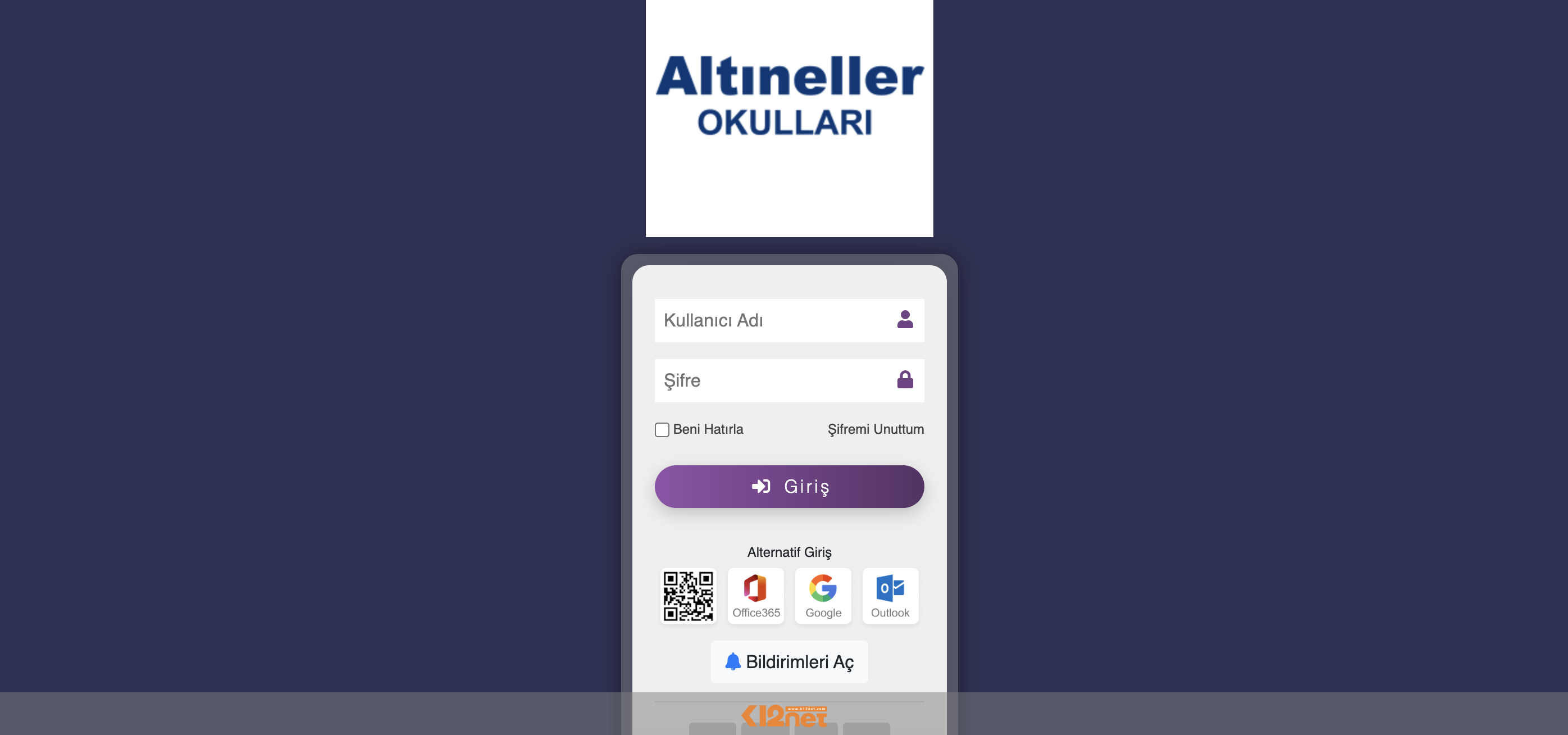 Go to the K12NET Parent Portal
Opens at altinellerokullari.k12net.com.

Our digital portal, built specifically for our students and parents, gives you easy access to school processes whenever you need it. You can securely reach the portal from any computer, tablet, or phone with an internet connection.
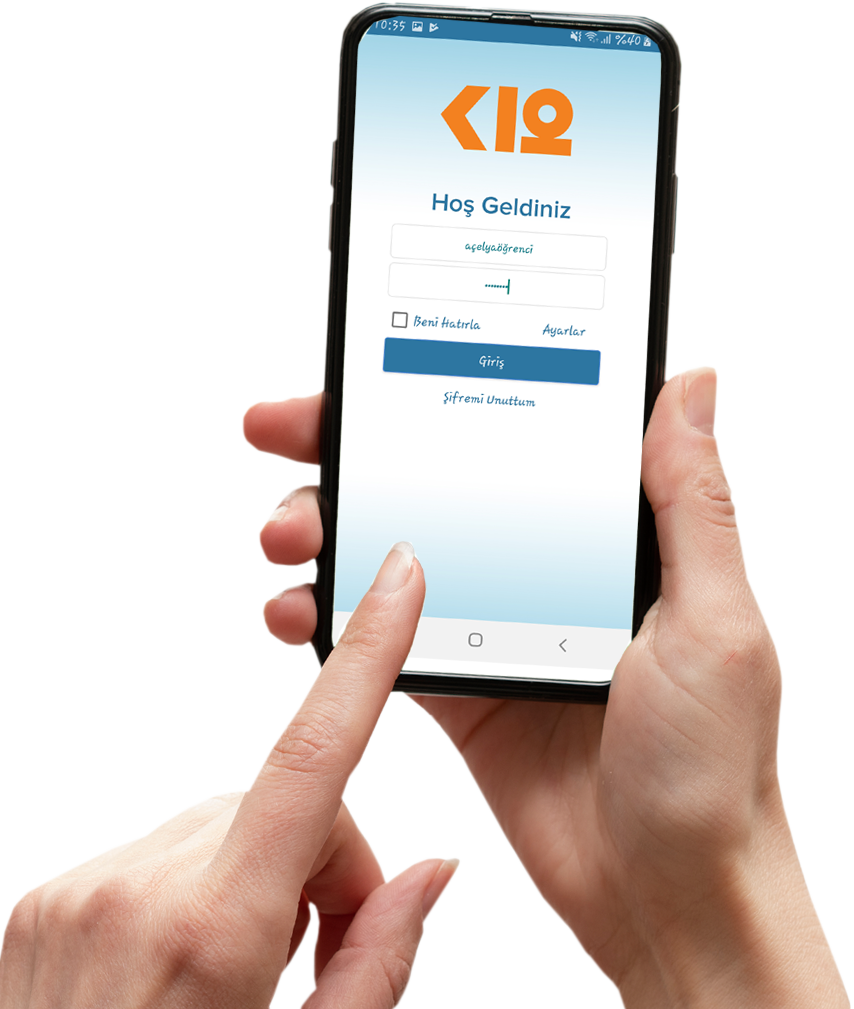
Through the portal system, you can quickly and easily access homework, exam dates, exam result analyses, grades, announcements, and much more important information about your child's education. All updates are also delivered to your phone through instant notifications.
Communicating your students' school life to you in the fastest and most up-to-date way, and maintaining strong, continuous communication with our parents, is an important part of our institutional culture. To that end, a personal username and temporary password for each student and parent will be provided to you by school administration.
You can log in to the K12NET parent portal directly from your computer, tablet, or phone browser.
Go to the K12NET Parent PortalOpens at altinellerokullari.k12net.com.
Our mobile app is compatible with all iOS and Android devices. Scan the QR code below with your phone camera and the right app store (App Store or Google Play) will open automatically. If you're browsing on a mobile device, you can simply tap the QR code as well.
If you can't scan the QR code, download it from the buttons above.
You can schedule a meeting with our teachers through the K12NET parent portal. The guide video below walks you through booking an appointment step by step.
A separate username and temporary password for the student and each parent are provided to you by school administration. We recommend updating your password on first login.
Use the "Forgot Password" link on the K12NET login screen. If you run into issues, contact your campus office.
Once the mobile app is installed, homework, exam, announcement, and other updates reach your phone as instant notifications.
If your access issue continues, reach us through our contact page.